
8 Checkout Fixes That Help Online Stores Lose Fewer Orders
You can spend months bringing visitors to an online store and still lose many of them in the last step. Checkout is where interest turns into an order, and small problems there cost real sales. The good news is that most checkout problems are easy to find and fix. Here are eight practical checks for a WooCommerce or Shopify store.
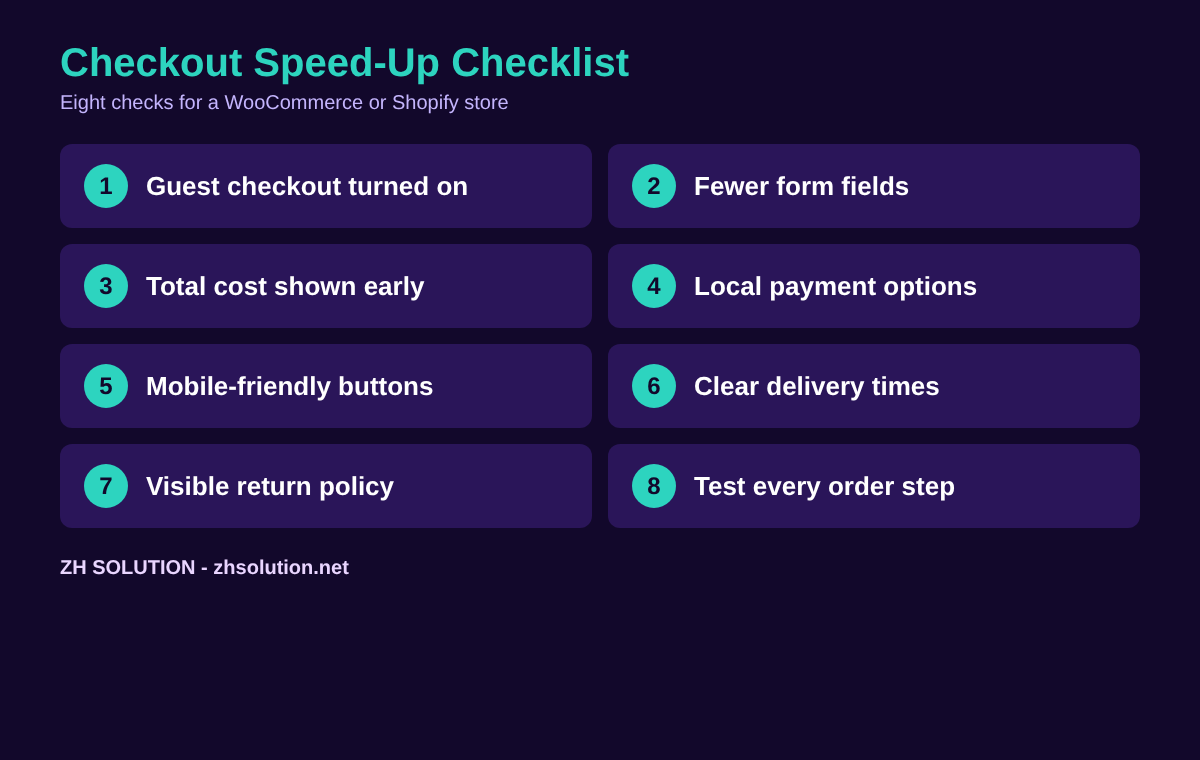
1. Allow guest checkout
Forcing people to create an account before paying makes many of them leave. Turn on guest checkout and offer account creation after the order, as an optional step. In WooCommerce this is a setting under the checkout options. In Shopify, customer accounts can be set to optional.
2. Remove form fields you do not need
Every extra field is one more reason to stop. Ask only for what you need to deliver the order: name, phone, address, and email. Fields such as company name, a second address line, or order notes can usually be hidden or made optional. If you sell digital products, you may not need a delivery address at all.
3. Show the total cost early
Surprise shipping costs and taxes are a common reason for abandoned orders. Show delivery charges on the product page or in the cart, before the customer reaches the payment step. If delivery is free above a certain amount, say so clearly.
4. Offer payment methods your customers actually use
Customers in different countries prefer different ways to pay. In Pakistan, cash on delivery is still widely expected, alongside bank transfer and card payments. In other markets, wallets and local card schemes matter more. Check which options are common in the country you sell to, and only add methods you can support reliably. Our guide to online store setup in Saudi Arabia covers this for one market.
5. Make the checkout work well on mobile
A large share of shoppers buy on a phone. Check that buttons are big enough to tap, that the right keyboard appears for phone and email fields, and that the page does not jump around while loading. A slow checkout loses people too, so it is worth reading our tips on making a WordPress website faster.
6. State delivery times clearly
People want to know when the order will arrive before they pay. Give an honest delivery estimate for each area you serve. It is better to promise a slightly longer time and deliver on time than to promise a short time and miss it.
7. Make your return and contact details easy to find
Customers feel safer buying when they can see how returns work and how to reach you. Link to your return policy near the payment button and show a phone number or WhatsApp contact in the checkout footer. Trust signals matter most for stores that are new to the customer.
8. Test the whole order process yourself
Place a real or test order every few weeks, on both a phone and a computer. Check the confirmation page, the confirmation email, and the notification you receive as the store owner. Plugin updates, theme changes, or payment gateway changes can break a checkout without any warning. If you are not sure which platform suits your store, read Shopify vs WordPress: which is right for your online store.
How to start without feeling overwhelmed
You do not need to change everything at once. Start with the fixes that cost nothing: guest checkout, fewer fields, and clearer delivery information. Then look at your analytics to see where visitors leave the checkout. If most people leave at the shipping step, work on cost and delivery messages. If they leave at the payment step, review your payment options and trust signals. Change one thing at a time so you can tell what helped.
It also helps to remember that checkout is only one part of a store that sells. Product pages, speed, search visibility, and honest information all play a role. A store that is easy to find and easy to buy from tends to do better than one that only looks good.
Need help with your store?
ZH Solution builds and improves online stores on WordPress, WooCommerce, and Shopify, and can review your checkout and suggest practical changes. See our website design and development services and our SEO services, browse more guides on the ZH Solution blog, or contact us to talk about your store. You can also message us on WhatsApp at 03222 448822, Monday to Saturday, 10am to 7pm.
[…] the cart. Vague delivery information is a common reason people abandon a checkout, and our guide to checkout fixes for online stores covers more ways to lose fewer […]