
8 Fixes to Make Your WordPress Website Faster
A slow website costs you visitors. Many people leave a page that takes too long to appear, especially on a mobile connection, and search engines pay attention to page experience too. The good news is that most WordPress sites can be made noticeably faster with a handful of practical changes. This guide walks through eight of them in plain language.
Start by measuring
Before you change anything, test your key pages with a free tool such as Google PageSpeed Insights. Note the results for your home page, one service page and one blog post. Test again after each change so you know what actually helped. Speed advice is only useful when you can see the effect on your own site.
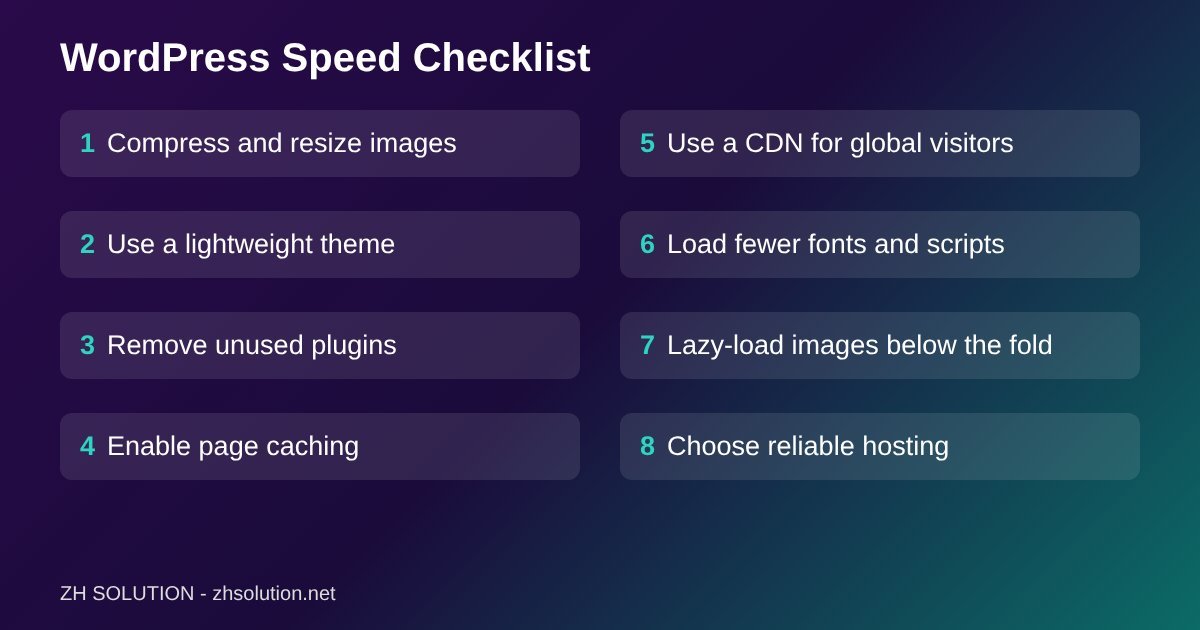
1. Compress and resize your images
Images are usually the heaviest part of a page. A photo straight from a phone can be several megabytes, far more than a web page needs. Resize images to the largest size they are shown at, save them as JPEG or WebP, and compress them before or after uploading. This single step often gives the biggest improvement.
2. Use a lightweight theme
Some themes load large libraries, many fonts and effects that most pages never use. A clean, well-built theme gives you a faster starting point. If you are planning a redesign, our website design and development work focuses on pages that look good and load quickly.
3. Remove plugins you do not need
Every plugin adds code, and some add a lot. Review your plugin list, deactivate and delete anything unused, and replace heavy plugins with lighter ones where possible. Keep the plugins that matter, such as security, SEO and backups, and keep them updated.
4. Turn on page caching
Without caching, WordPress builds each page from scratch for every visitor. A caching plugin saves a ready-made copy and serves it instantly. Most good caching tools also minify CSS and JavaScript, which makes those files smaller. After enabling caching, check your forms, cart and login pages, as they sometimes need to be excluded.
5. Use a CDN if your visitors are spread across countries
A content delivery network keeps copies of your files on servers around the world, so visitors load them from a location closer to them. This helps most when you serve customers in several countries, which is common for businesses targeting the UAE, Europe and North America at the same time. If you are deciding where to focus first, see our guide on choosing which countries to target.
6. Load fewer fonts and scripts
Each extra font, tracking script and chat widget is another request the browser has to make. Use one or two font families, load only the weights you use, and remove tracking tools nobody looks at. Delay non-essential scripts so they do not block the page from showing.
7. Lazy-load images below the fold
Lazy loading means images further down the page load only when the visitor scrolls near them. WordPress does this by default for most images, but check that your theme or a plugin has not turned it off. Do not lazy-load the main image at the top of the page, as that should appear straight away.
8. Choose reliable hosting
If the server is slow to respond, no amount of tuning will fully fix it. Look for hosting with current PHP versions, good support and servers reasonably near your customers. If your site is slow even after the steps above, hosting is the next thing to check.
Why speed matters for SEO
Speed is one of several signals search engines use, and it also affects how many visitors stay and contact you. It works best alongside the basics in our technical SEO checklist. If you want to know how quickly results can appear once your site is in good shape, read how long SEO takes.
A simple order to work in
If you only have an hour, start with images, then caching, then plugins. Test after each step. Leave hosting and theme changes for when the simpler fixes have not been enough, because they take more planning.
Need help speeding up your website?
ZH Solution can review your site, tell you what is slowing it down and fix it. Take a look at our SEO services, browse more guides on the blog, or contact us and we will get back to you. You can also message us on WhatsApp at 03222 448822, Monday to Saturday, 10am to 7pm.
[…] Improve loading speed with compressed images, caching and fewer heavy scripts. See our guide to making a WordPress website faster. […]
[…] tap, text should be readable without zooming, and product photos should load quickly. Our guide to making a WordPress website faster covers image and caching fixes that also apply to WooCommerce […]